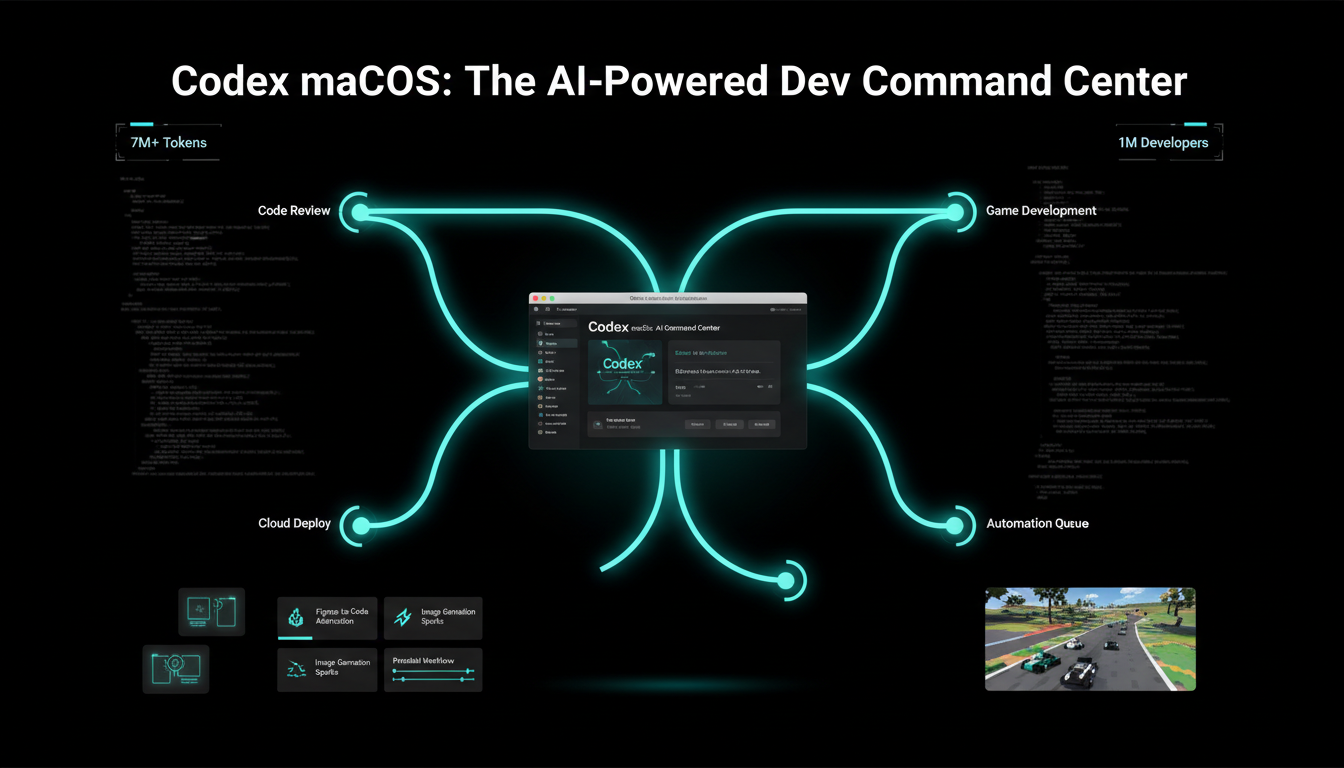
The Codex app for macOS is OpenAI’s latest innovation, enabling developers to manage multiple AI agents simultaneously, run parallel tasks, and handle long running projects effortlessly. Launched on February 2, 2026, it builds on Codex’s foundation from April 2025, shifting developer workflows from single agent coding to orchestrating teams of agents across full software lifecycles. For a limited time, it’s free with ChatGPT Free and Go plans, with doubled rate limits for paid users like Plus and Enterprise.
Command Center for AI Agents
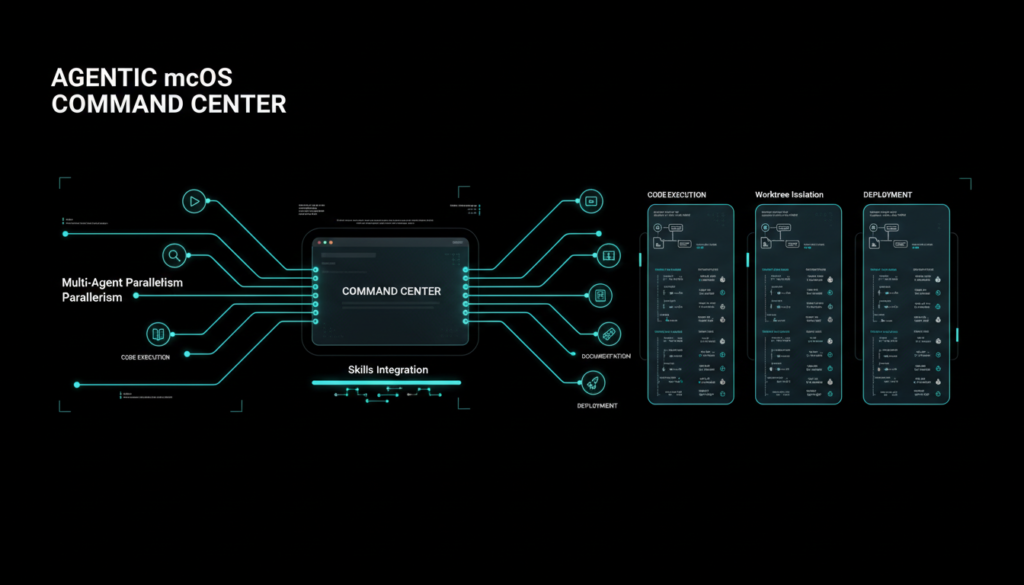
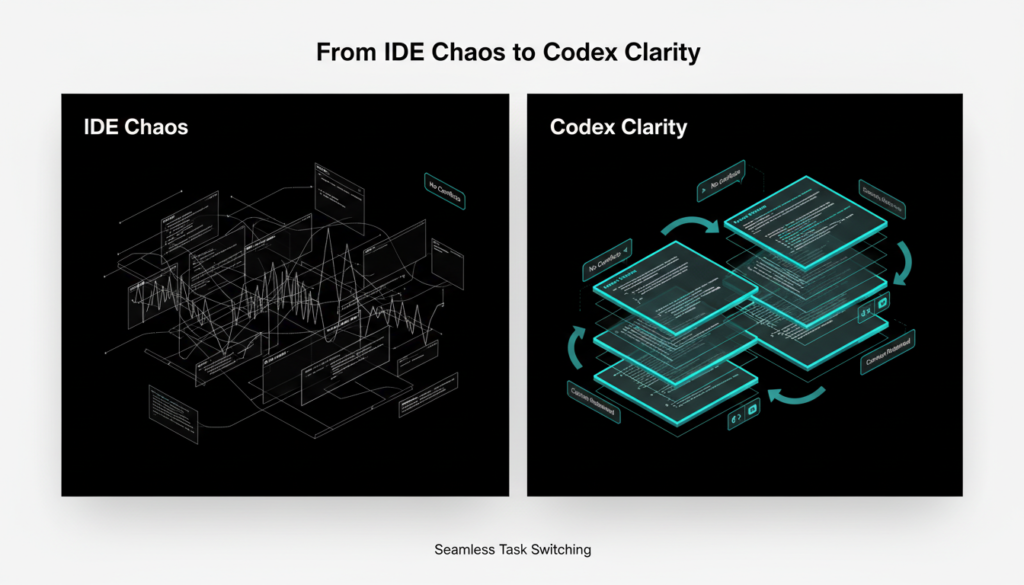
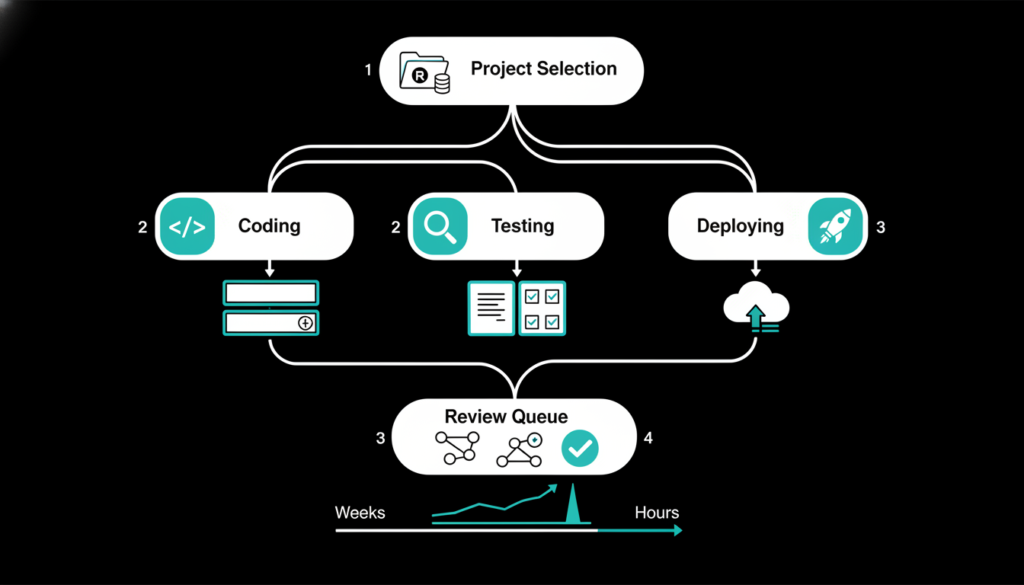
The Codex app acts as a dedicated command center, addressing the limitations of traditional IDEs and terminals for multi agent supervision. Agents operate in isolated threads per project, preserving context as you switch tasks seamlessly. Review diffs inline, add comments, or open in your editor; built in Git worktrees prevent conflicts, letting agents explore code paths independently without altering your main repo.
It syncs session history from Codex CLI and IDE extensions, enabling instant use with existing projects. This setup supports complex tasks spanning hours or weeks, empowering solo developers and teams alike.
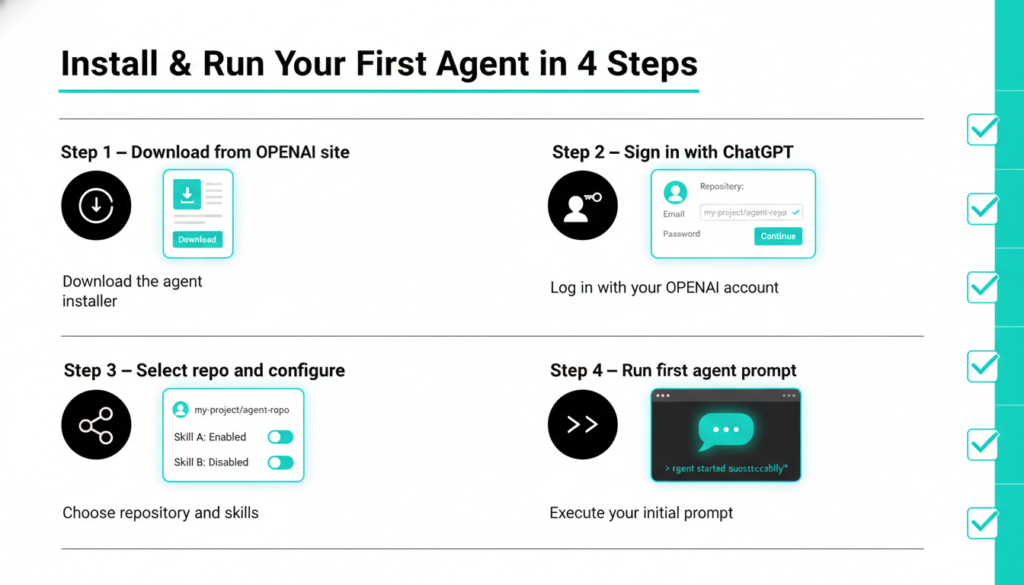
How to Install Codex App
Getting started is straightforward for macOS users on Apple Silicon. Download the app directly from the official OpenAI website or the Mac App Store search for “Codex by OpenAI” and hit install. The process takes under a minute, with automatic updates handled in the background to keep you on the latest version.
Once installed, launch the app from your Applications folder or Spotlight search. No complex dependencies needed; it runs natively without Rosetta emulation.
Setting Up Your First Project
Setup begins with signing in using your ChatGPT account Free, Plus, Pro, Business, or Enterprise plans all work seamlessly. Optionally link an API key for higher limits or custom models. Create a new project by selecting a Git repo folder; the app auto detects your codebase and imports CLI/IDE session history.
Configure environments next: define setup scripts, local tools, and default skills. Test with a simple prompt like “refactor this module for performance” to verify agent threads spin up correctly. Import existing skills from the open source repo or build your first automation for daily tasks.
Parallel Work with Agents
Multitasking shines in Codex: run agents side-by-side on the same repo using worktrees for isolation. Checkout changes locally anytime or let agents progress uninterrupted. Built in Git tools let you stage, revert, or commit directly, with an integrated terminal per thread for testing and scripts.
Local environments define setup scripts and actions, while IDE sync shares context across sessions. Developers report 2x faster iteration on features, bugs, and refactors thanks to this parallel power.
Key Multi-Agent Features
- Separate threads per project for context isolation.
- Inline diff review and commenting.
- Worktree support for conflict free experimentation.
- Seamless CLI/IDE/app integration.
Skills: Supercharge Beyond Code
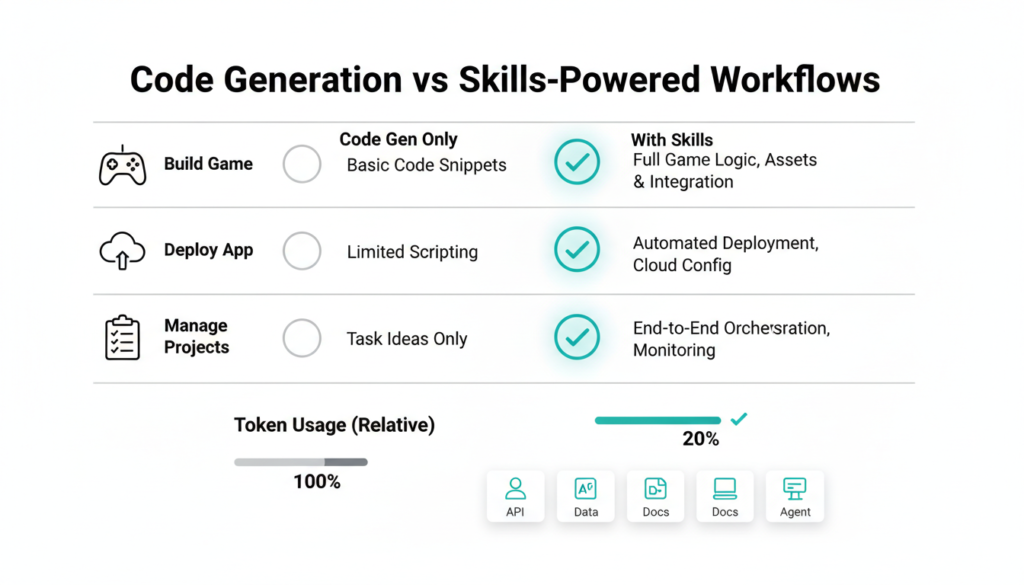
Codex evolves with “skills” bundled instructions, scripts, and resources extending it to info synthesis, problem solving, and workflows. The app’s interface lets you create, manage, and invoke skills manually or auto detect them. OpenAI’s library covers Figma to code, Linear project management, cloud deploys (Vercel, Netlify), image gen via GPT Image, API docs, and document handling (PDFs, spreadsheets).
Example: Codex built “Voxel Velocity,” a full 3D kart racer with 8 tracks, characters, drifts, and items using web game and image skills over 7M tokens from one prompt, self testing as designer/QA. Internally, OpenAI uses hundreds for evals, docs, and experiments; skills share via repos for teams.
Automations and Personalities
Automations run Codex on schedules with skills, queuing results for review ideal for triage, CI summaries, or release briefs. Choose personalities: terse/pragmatic or conversational/empathetic via /personality command, matching your style without capability loss.
Security first: sandboxed like CLI, file edits limited to project folders, permissions prompted for network/tools; configurable rules for teams. MCP support connects to extra services.
Availability and Future
Download now for macOS (Apple Silicon); sign in with ChatGPT account (Plus+ plans included, API key optional). Free/Go access temporary, doubled limits ongoing promo. Post GPT-5.2-Codex (Dec 2025), usage doubled; 1M+ devs last month.
Ahead: Windows app, faster inference, cloud Automations, refined multi-agent flows. Codex bridges model power to practice, expanding from coding to broad knowledge work.
Enjoyed this deep dive into the Codex app?
Discover more cutting-edge AI, cybersecurity, and tech trend insights across our blog! Do check out our other blogs at AI, CYBER SECURITY, TECH, for the latest on robotics startups, stock market tech plays, and hands-on guides to emerging tools. Stay ahead subscribe for updates! 🚀