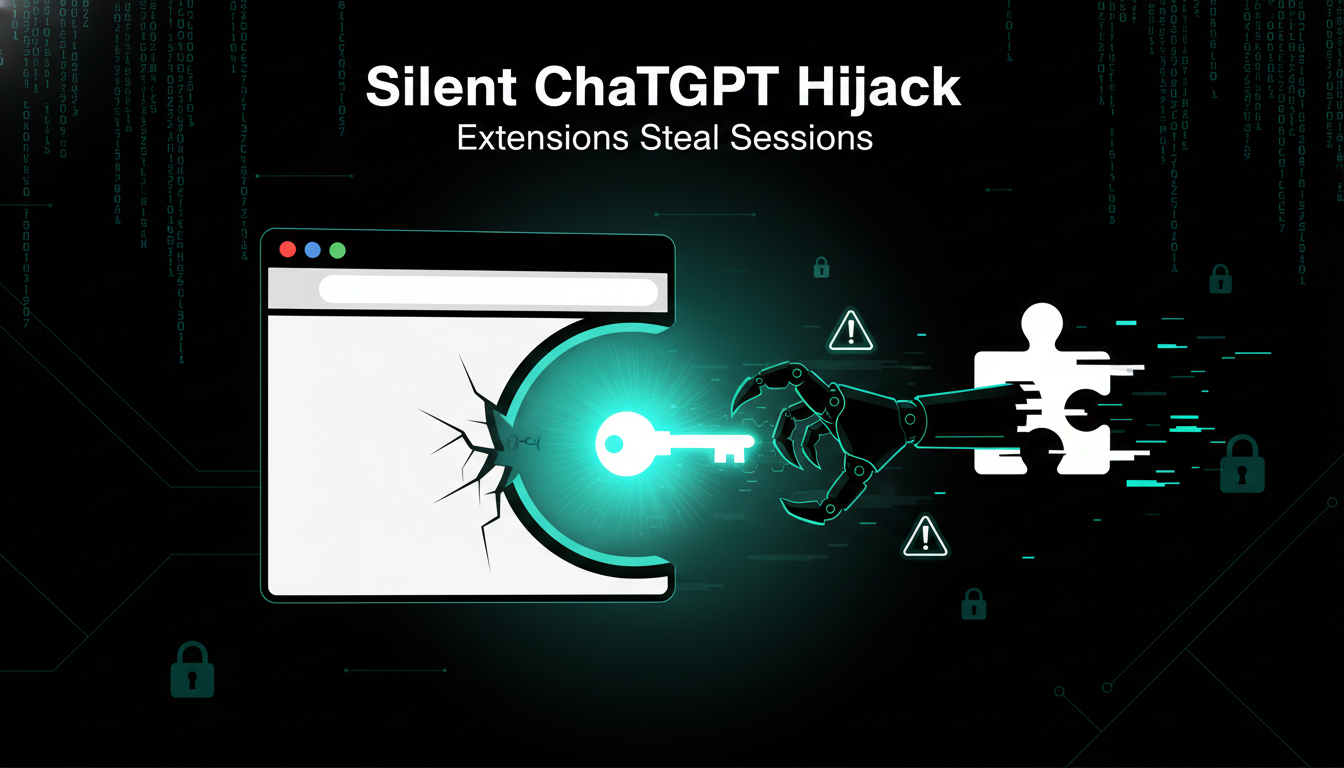
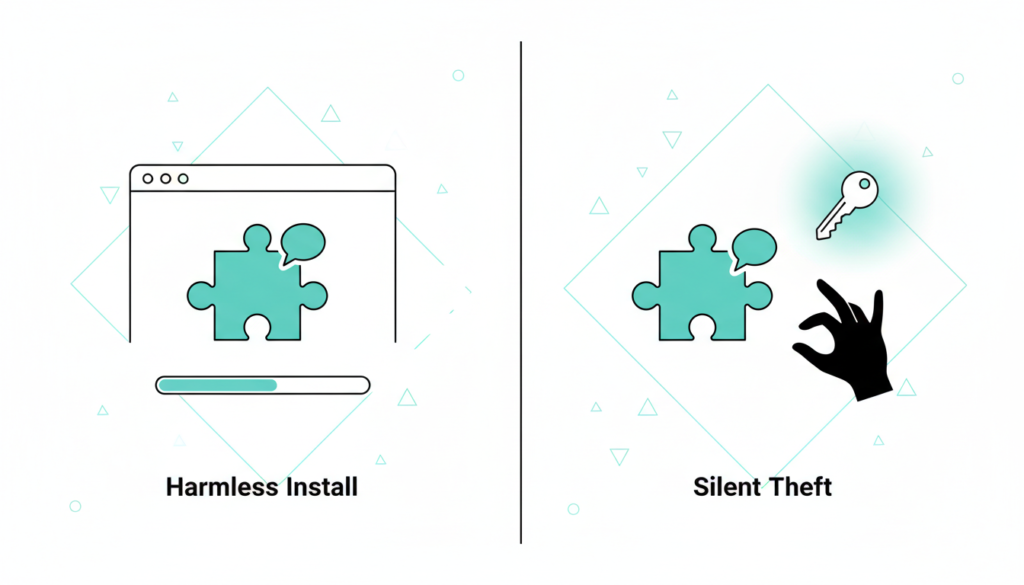
Cyberattacks often kick off with phishing emails or weak passwords. This one didn’t. Security researchers recently exposed malicious browser extensions that steal ChatGPT session tokens. These extensions masquerade as harmless tools some even slipped into official stores like the Chrome Web Store. Once installed, they silently hijack your active ChatGPT sessions without raising any alarms.
No phony login pages. No password grabs. No multi factor authentication pop ups. This attack operates in stealth mode, exploiting trust in everyday browser add ons.
How the Attack Works
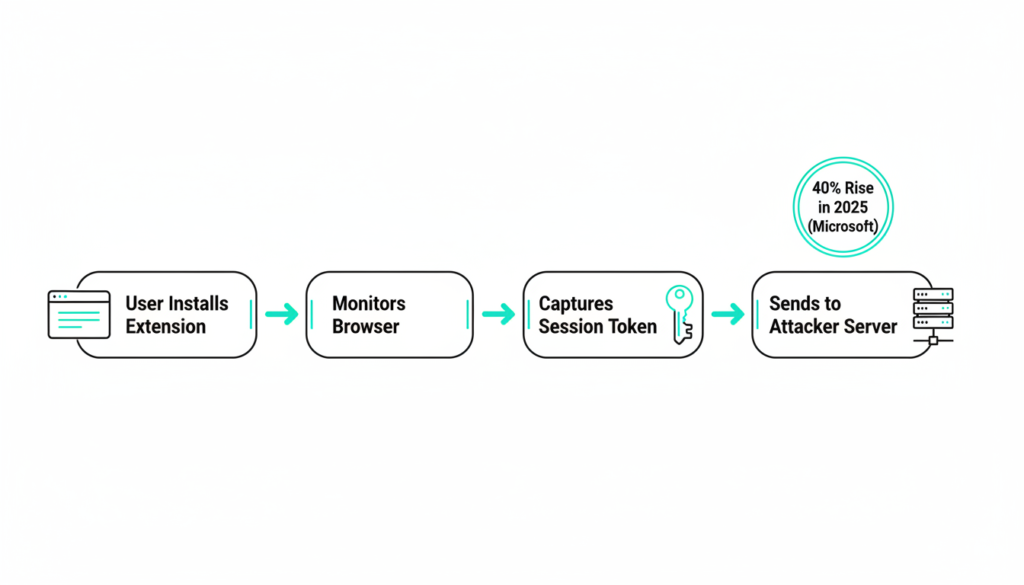
These rogue extensions use a straightforward but sneaky method: they monitor your browser activity, snag active ChatGPT session tokens the moment you launch the AI, and beam them to attacker servers. According to a 2025 Kaspersky report, over 500 such extensions were flagged last year alone, affecting millions of users globally.
Session tokens act as proof you’re logged in like a digital master key. With it, attackers don’t need your password; they impersonate you perfectly until the session times out or you manually revoke it. Logging off properly from key sites (not just closing tabs) invalidates these tokens, but most people skip that step.
Microsoft’s 2025 Digital Defense Report notes session hijacking has surged 40% year over year, often via extensions that request broad “read and change all site data” permissions.
Why Tokens Are a Hacker’s Dream
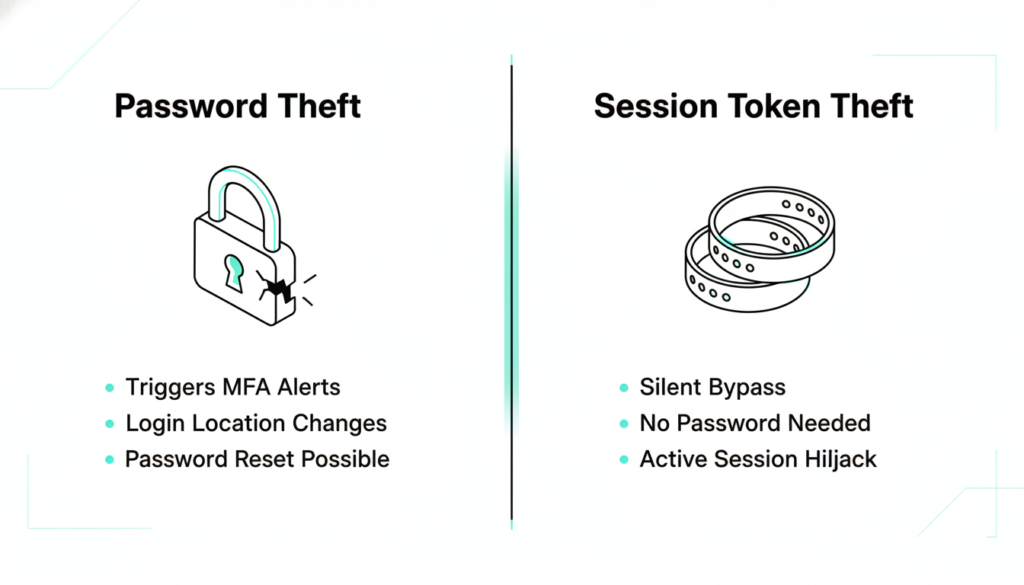
Imagine a session token as a concert wristband. Scan in once, and security waves you through all night no more ticket checks. Steal the wristband, and the thief roams free. Digitally, it’s worse: attackers copy your token exactly, so yours still works while they wreak havoc unnoticed.
This bypasses traditional defenses, making session theft more common than password cracks. A 2025 Chrome Web Store analysis by cybersecurity firm Proofpoint revealed that 10% of popular extensions had hidden data exfiltration code, targeting AI tools like ChatGPT for premium access resale on dark web markets.
Unlike physical theft, you won’t feel it until data leaks or odd activity surfaces often too late.
New Headaches from Session Theft
Log into a site, and your browser gets a session token saying, “This user’s verified skip the checks.” Click away freely. But if stolen, the attacker strolls in with a duplicate. You remain oblivious until anomalies hit, like unauthorized prompts or exported chats.
Proofpoint’s data shows this evades 70% of password based alerts. OpenAI confirmed in early 2026 advisories that stolen tokens let attackers generate unlimited API calls, costing victims in overage fees or exposing proprietary prompts.
Browser Extensions: Hidden Risks
Extensions promise convenience ad blockers, productivity boosters but many demand sweeping powers: read all site data, tweak pages, access cookies. Users click “Allow” blindly, and IT teams rarely police installs.
Once in, they lurk persistently, tracking AI queries, sites visited, even keystrokes. A 2025 Google transparency report admitted 2.3 million malicious extensions were removed from stores, many spying on SaaS logins. They don’t auto logout like tabs do, amplifying the threat.
Business Impact of Compromised Sessions
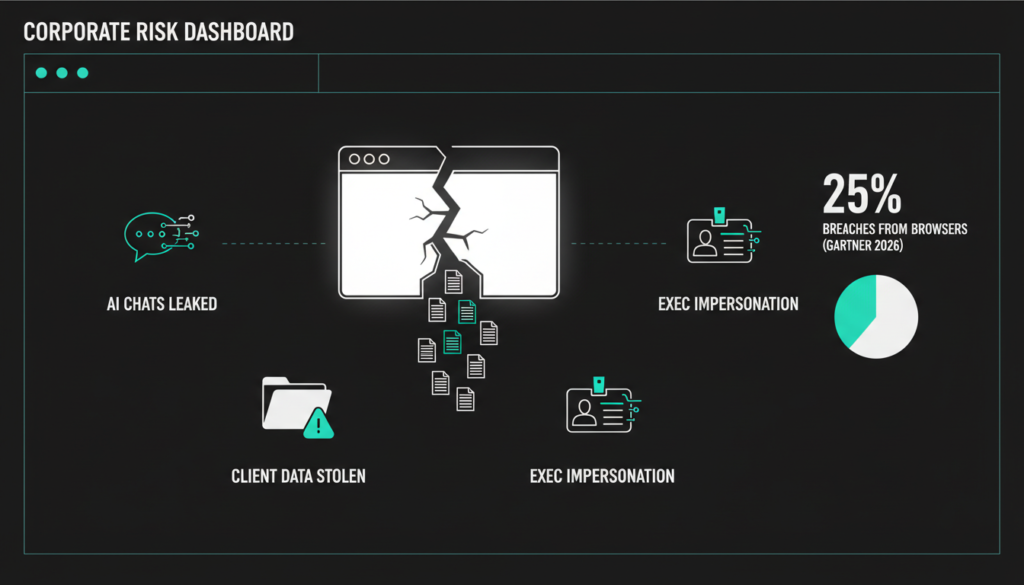
Personal accounts? Bad enough. At work, it’s catastrophic. Hackers could eavesdrop on AI driven strategies, pilfer client data, or mimic execs in sensitive chats. If your team leans on ChatGPT for reports or code, one bad extension exposes your entire operation.
Gartner’s 2026 predictions warn that 25% of breaches will stem from browser vectors by 2027, urging firms to treat browsers as critical endpoints.
Steps to Lock It Down
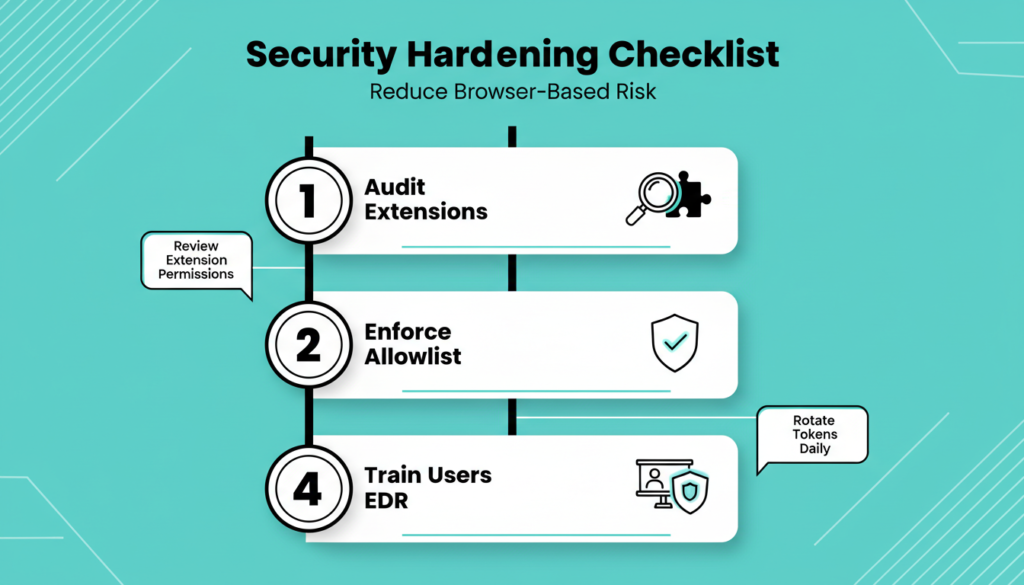
Good news: you can tame this with smart controls and habits. First, audit and purge unused extensions Chrome’s menu makes it easy.
In enterprises, enforce allowlists via Group Policy, Microsoft Intune, or tools like Chrome Enterprise. Key tactics include:
- Strip local admin rights from users.
- Block installs with PowerShell or endpoint managers.
- Disable developer mode to stop sideloads.
- Deploy EDR solutions like CrowdStrike or Microsoft Defender for real-time detection.
View browsers as identity hubs, applying endpoint grade security. Train teams: scrutinize permissions (e.g., “all sites” access = red flag), stick to verified publishers.
Assume compromise; layer defenses. OpenAI now recommends token rotation every 24 hours for high risk users.
Key Lesson: Beyond Logins
This isn’t ChatGPT specific it’s the new reality. Browsers are your business gateway; attackers target post login access. Passwords, MFA, even passkeys fall short against session grabs.
Shift focus to runtime protection: monitor sessions, enforce least-privilege extensions, integrate browser telemetry into SIEM.
Act Now on Extensions
Review your extensions today delete the unfamiliar. IT leads: draft an allowlist. Employees: query your policies.
Small habits scale big security wins. Start here.
Check out more on our blog page now → AI, Tech, CybersecurityEdit